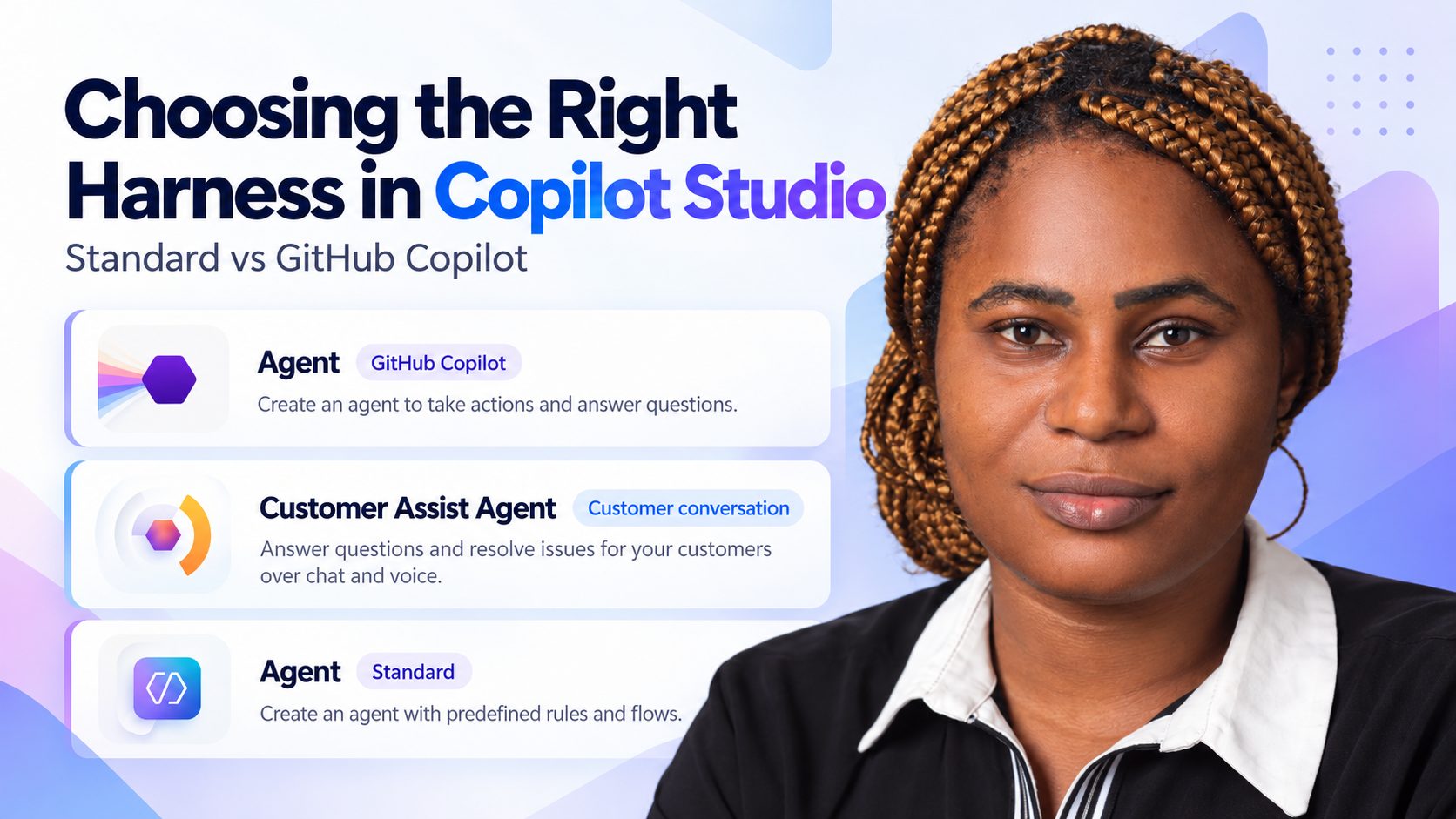
In short: Microsoft Copilot Studio supports four agent harnesses: Standard, GitHub Copilot, Copilot Chat and Customer Conversation. Choose the Standard harness when you understand the business process and want control over each step. Choose the GitHub Copilot harness when the agent needs to work through large amounts of information, reason more deeply and adjust its approach. Use Copilot Chat to extend Copilot Chat with organisational knowledge, and Customer Conversation for customer-facing voice or chat with specialised sub-agents.
You've decided to build an agent using Microsoft Copilot Studio. But before you start building, there's one important question you need to answer: Which harness should you use?
Microsoft currently supports four agent harness options:
- Standard harness
- GitHub Copilot harness
- Copilot Chat harness
- Customer Conversation harness
In this article, I'll focus mainly on the Standard and GitHub Copilot harnesses, using practical examples to explain when you might choose one over the other.
1. Standard Harness: When You Already Understand the Business Process
The Standard harness is a good choice when you already understand the business process and have a clear idea of how the conversation should flow. You know what questions the agent should ask, what actions it should perform, and what should happen at different stages of the conversation.
Let's take an employee IT support agent as an example.
An employee reaches out and says: "My Outlook is not working."
Since you already understand the IT support process, you can design the conversation using topics and conversation nodes.
The agent might first ask whether the employee is experiencing a login issue or whether Outlook is failing to open. Based on the response, it follows the appropriate path. It could provide troubleshooting steps, use a connected tool to check access, or create a support ticket. If the issue cannot be resolved, it could also escalate the conversation to a human support representative.
This is where the Standard harness works well. You have more control over how the agent responds, the actions it performs, and what happens when something goes wrong.
It's also a good fit when you need quick and consistent responses, especially when the agent will be handling many similar requests.
Now, this doesn't mean the Standard harness is limited to simple conversations. It supports generative AI, tools, agent flows, and multistep processes. The difference is that you generally manage more of the process yourself, including how information moves between different steps.
2. GitHub Copilot Harness: When the Agent Needs More Flexibility
Now, imagine you're building an agent where you understand what you want to achieve, but you don't necessarily know every step the agent will need to take.
The agent might need to retrieve information from different systems, compare records, analyze data, and decide what to do next based on what it finds.
Let's take a procurement risk assessment agent as an example.
A procurement manager reaches out and says:
"Get the supplier records, review their contracts and purchase order history, identify potential risks, and generate a procurement risk assessment report."
Now, think about what the agent needs to do.
It needs to retrieve supplier records, check contracts, review purchase orders, compare the information, identify risks based on the company's criteria, and prepare a report. But what happens if a supplier record is missing? What if the contract information doesn't match the purchase order? This is where the GitHub Copilot harness becomes useful.
Instead of you defining every possible conversation path, the agent can work through the task, select the appropriate tools, review the results, and decide what to do next. For instance, if it finds missing contract information, it could check another connected system or identify the missing information in the final report.
This is an example of what Microsoft calls an agentic loop. The agent can review the result of an action and determine whether it needs to continue, retry, or take another approach.
The GitHub Copilot harness supports a larger shared working context. This means it can keep track of more information as it works through the task, including results from other agents helping with the process.
It also has other capabilities that can be useful here. For example, you can use skills, which are reusable instructions that tell the agent how to perform a particular task, such as following your company's supplier risk assessment procedure.
It supports persistent memory, which can retain useful information across interactions when configured, and a secure environment for running code to process information or perform calculations. It can also create and edit Word, Excel, PowerPoint, and PDF documents.
So, for our procurement example, the agent could analyze the supplier information, calculate risk scores using the company's rules, generate an Excel analysis, and prepare a report highlighting the findings.
Of course, you still need to configure the right tools, permissions, instructions, data sources, boundaries, and business rules. The main difference is that you're giving the agent an outcome to achieve while allowing it more flexibility in deciding how to get there.
3. Does Every Complex Task Need the GitHub Copilot Harness?
Let's go back to our procurement example. What if you already know where all the supplier records are stored, what checks need to happen, and how the final report should be generated?
In that case, the Standard harness might still be enough. You could use predefined actions and agent flows to retrieve the records, perform the checks, and generate the required output.
Both harnesses can reason, call tools, and perform multistep tasks. So, connecting to multiple systems or using several tools doesn't automatically mean you need the GitHub Copilot harness.
The question is how much control you need and whether the agent needs to adjust its approach when things don't go as planned.
You can even use both in the same overall solution.
For instance, a GitHub Copilot harness agent could handle the deeper procurement analysis and prepare the supplier information, while a Standard harness agent uses that information to respond to employee requests.
4. What Else Should You Consider?
Apart from understanding the business process, there are a few other things I'd look at before choosing a harness.
Performance and cost
Let's say you're building an IT support agent that will handle hundreds of employee requests every day.
You probably want employees to get answers quickly rather than having the agent spend additional time reasoning through something straightforward.
This is where the Standard harness can be a better fit.
With the GitHub Copilot harness, more advanced reasoning and longer-running tasks can increase response time and Copilot Credit consumption.
The billing models are also different. Some Standard harness usage may be covered by Microsoft 365 Copilot licensing in eligible scenarios, while the GitHub Copilot harness uses consumption-based billing, including applicable building and testing activities.
So, you need to consider whether the additional capabilities justify the cost.
Features and publishing channels
Another thing I'd check is where the agent will be used.
For example, are you deploying it to Microsoft Teams, a website, or another business application?
You need to confirm that the harness supports the publishing channel and features your solution requires.
The Standard harness has more established features and publishing options, while some GitHub Copilot harness capabilities are still evolving.
There's no point choosing a harness because it has more advanced reasoning if it doesn't support something your project depends on.
Security and managing the agent
You also need to think about what happens after you've built the agent.
Going back to our procurement example, the agent might have access to supplier contracts and other sensitive business records.
You need to define what information it can access, which actions it is allowed to perform, and how its output will be checked.
You should also consider how you'll monitor performance, test results, and manage consumption once people start using it.
These things matter regardless of the harness you choose.
And if you've already built a Standard harness agent that's working well, there's no reason to move it to GitHub Copilot just because it's available. There should be a clear benefit before making that decision.
5. What About the Other Two Harnesses?
Although our main focus is on Standard and GitHub Copilot, let's briefly look at the other two.
Copilot Chat Harness
Imagine your organization has HR policies, onboarding documents, and employee guidelines stored in SharePoint.
You want employees to be able to ask questions like:
"What's our remote working policy?"
"How many annual leave days are employees entitled to?"
If your goal is to extend Microsoft Copilot Chat with your organization's knowledge so employees can get answers within the Copilot experience they already use, the Copilot Chat harness is worth considering.
Customer Conversation Harness
You're building a customer service agent that handles order enquiries, refunds, and delivery complaints through voice and chat.
With the Customer Conversation harness, you can have a primary agent that coordinates specialized sub-agents responsible for different customer requests.
For instance, if a customer calls about a delayed delivery, the primary agent can direct the request to the sub-agent responsible for order enquiries.
The main reason I'd consider Customer Conversation is when the solution needs that dedicated customer-service architecture and contact-center capabilities, rather than simply because it needs to transfer a conversation to a human.
So, Which Harness Should You Choose?
For me, it always starts with understanding the business process.
If I already know how the process works, understand the conversation paths, and want greater control over each step, I'd consider the Standard harness.
If I'm building something that involves larger amounts of information, deeper reasoning, document processing, and situations where the agent needs to adjust its approach, I'd consider the GitHub Copilot harness.
If I want to extend Microsoft Copilot Chat with organizational knowledge, I'd look at the Copilot Chat harness.
And if I'm building a customer-facing voice or chat solution that needs specialized agents and contact-center capabilities, I'd consider the Customer Conversation harness.
I'd also check the performance, cost, required features, publishing channels, and security requirements before making the final decision.
Copilot Studio harness comparison at a glance
| Harness | Consider it when | Example from this article |
|---|---|---|
| Standard | You understand the business process and conversation paths, want control over each step, and need quick, consistent responses at volume. | Employee IT support agent ("My Outlook is not working") |
| GitHub Copilot | You know the outcome but not every step; the agent handles larger amounts of information, deeper reasoning, document processing, and adjusts its approach in an agentic loop. | Procurement risk assessment agent |
| Copilot Chat | You want to extend Microsoft Copilot Chat with your organisation's knowledge. | HR policy and onboarding questions from SharePoint |
| Customer Conversation | You are building customer-facing voice or chat that needs a primary agent, specialised sub-agents and contact-centre capabilities. | Order enquiries, refunds and delivery complaints |
If you'd like help choosing or building the right Copilot Studio agent for your team, get in touch.

Questions or thoughts? Leave a comment
Comments are moderated, your comment will appear after approval.