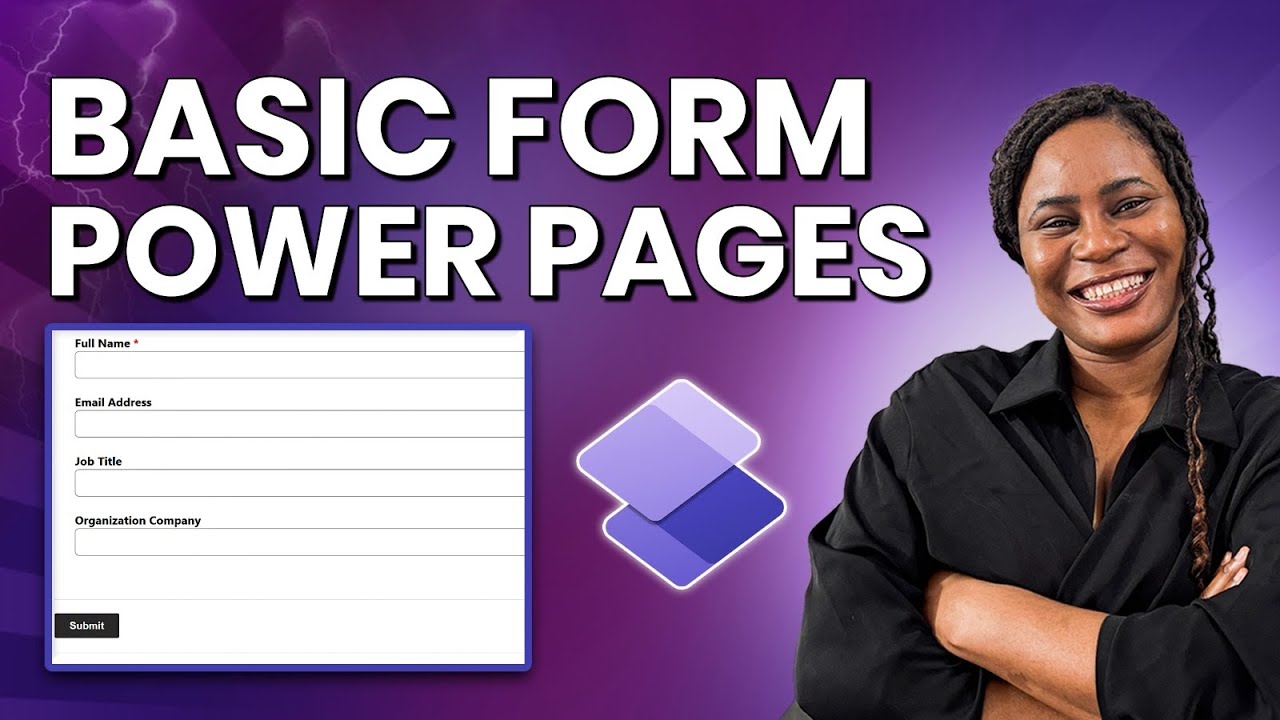
Video: How to Create Forms in Power Pages
In short: Power Pages has two types of forms: the Basic Form and the Multistep Form. Both are built on a Dataverse table with a Main Form, and you can create a Basic Form through either the Power Pages design studio or the Portal Management app. The video below walks through both methods and the mistakes to avoid.
In Power Pages we have two type of Form, the MultiStep Form and the Basic Form. To create both Forms you will need to have created your Dataverse Table and created a Main Form in your Dataverse table and add the necessary fields in your Main Form.
To create a Basic Form in Power Pages. You have two ways you can go about this after creating or having your Dataverse table ready. You can create your Basic Form either through the Power Pages Designer or Power Pages Portal Management App.
I created a YouTube video where I showed how to create a Basic Form in Power Pages using either of this method and mistakes to avoid.
Once your form is capturing data in Dataverse, you can build automation on top of it, for example, an approval process with a full audit trail. And if you are deciding where forms fit in a wider rollout, the five pillars of Power Platform governance and adoption is a good place to start.
---
What did you think of this post? Let me know on Twitter or LinkedIn!
If you'd like help building something like this for your team, get in touch.

Questions or thoughts? Leave a comment
Comments are moderated, your comment will appear after approval.